VibeNote app icon
★★★★★   Built for students and researchers

Record any lecture. Get AI notes you can study from.

VibeNote turns lectures, meetings, and voice memos into structured notes in seconds — and imports the PDFs, Word docs, and slide decks your course already runs on. Editorial AI summaries, chat across all your notes, translation to 120+ languages, and flashcards for exam night. Free recording is transcribed privately on your device.

Try it free → How it works
Features

Everything you need in one note-taker

Capture, understand, and revise — from a lecture you recorded or a document your professor handed out.

🔒

Record privately, offline

On-device Whisper writes the transcript locally on the free plan. No upload, no cloud quota. Works in airplane mode, in any classroom, on the train.

Transcripts in seconds

Live text appears while you speak, and the polished transcript is ready the moment you hit stop — no staring at a progress bar after a two-hour lecture.

📄

Import PDF, Word & PowerPoint

Drop in a reading, an essay, or a lecture deck and get the same AI summary, flashcards, and chat you get from a recording. Free users included.

Editorial AI summaries

Premium turns any recording into a multi-section summary — What This Is About, Main Thoughts, Key Insights, Memorable Quotes — ready to paste into your study notes.

💬

Chat with every lecture

"What did the professor say about mitochondria?" "Pull the key dates from yesterday's history class." AI Chat searches across every note you've recorded.

🌍

Translate to 120+ languages

One-tap translation built for international students, exchange semesters, and multilingual research. Keep both languages side-by-side.

🃏

Flashcards & quizzes

Turn last week's lecture into tonight's revision. Generate flashcards and quizzes from any transcript in seconds.

📝

Built for study

Editable transcripts, custom vocabulary for class terms, speaker labels for seminars, summary styles for lecture / interview / meeting / brainstorm.
See it in action

A look inside VibeNote

Record, read the summary, ask questions, and revise — all from the same note.

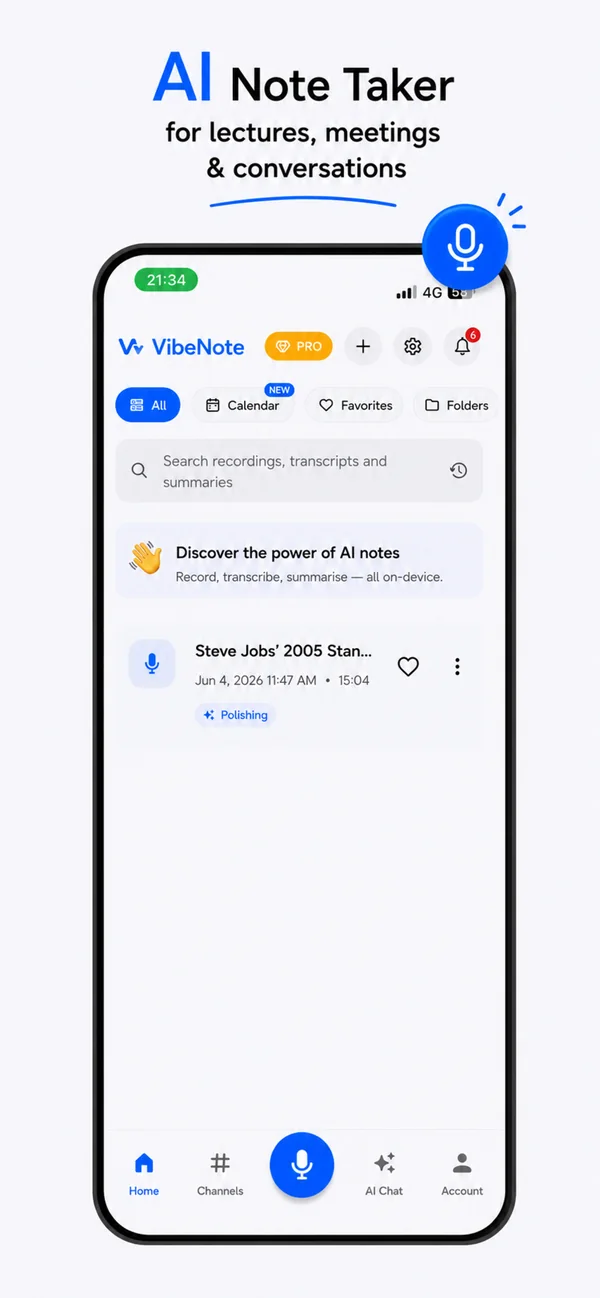
VibeNote home screen showing a searchable list of recordings with AI processing status
All your lectures, searchable in one place
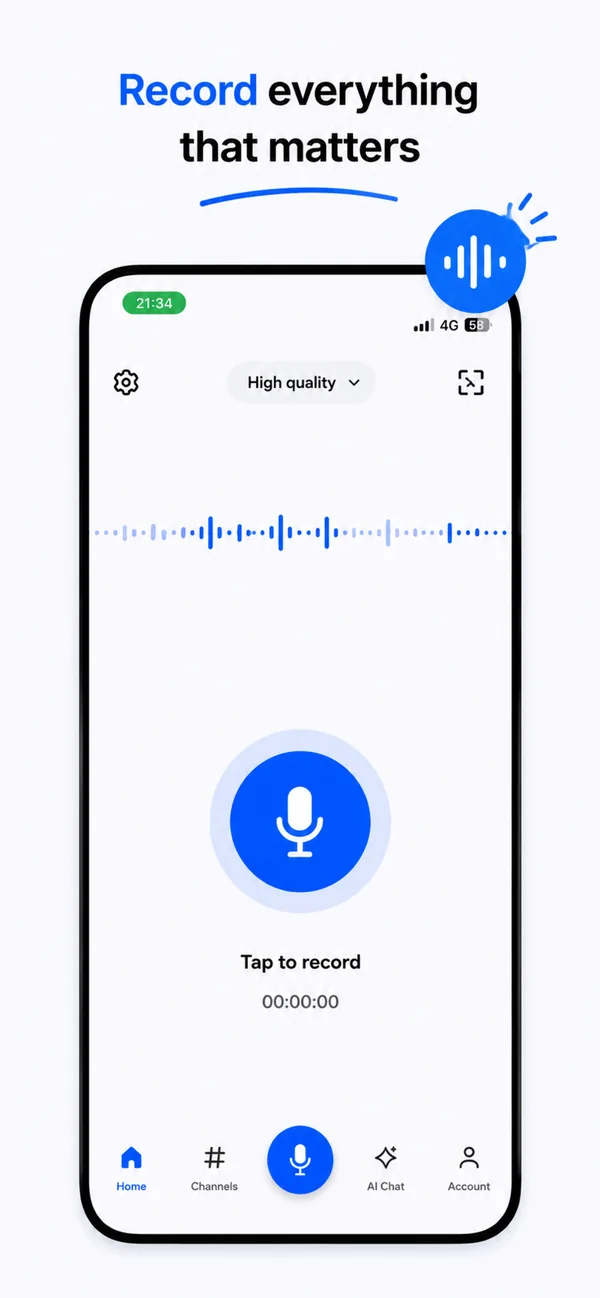
VibeNote recording screen with a live waveform and high-quality capture setting
One tap to record, with a live waveform
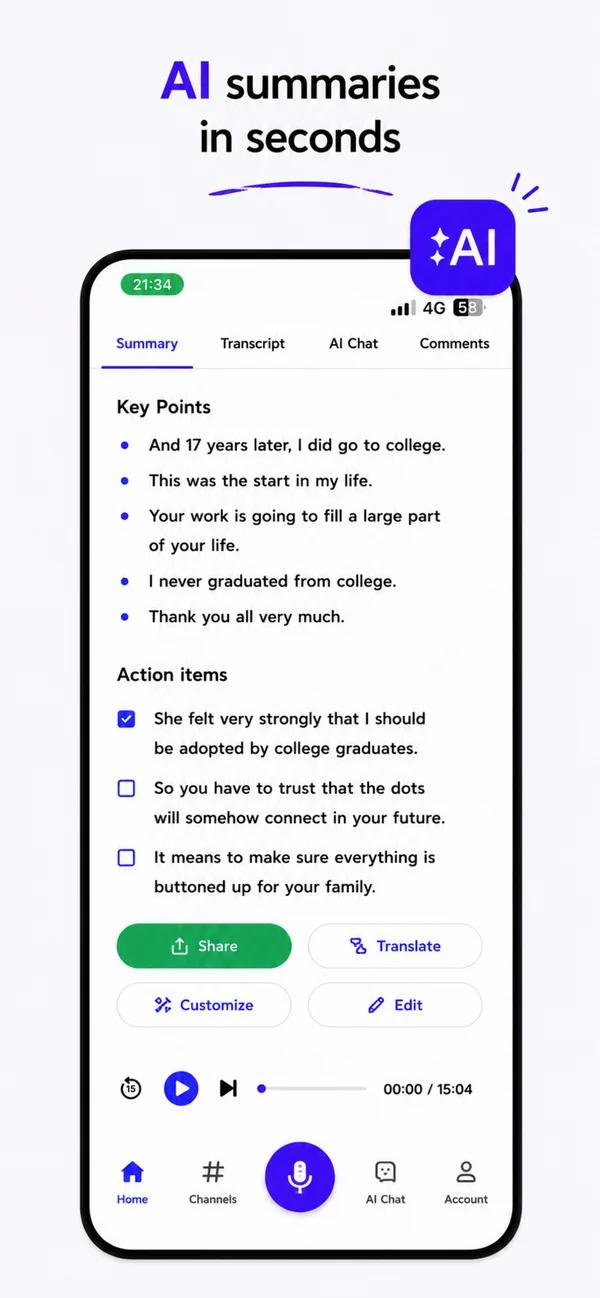
VibeNote summary tab listing AI-generated key points and checkable action items
Key points and action items, auto-written
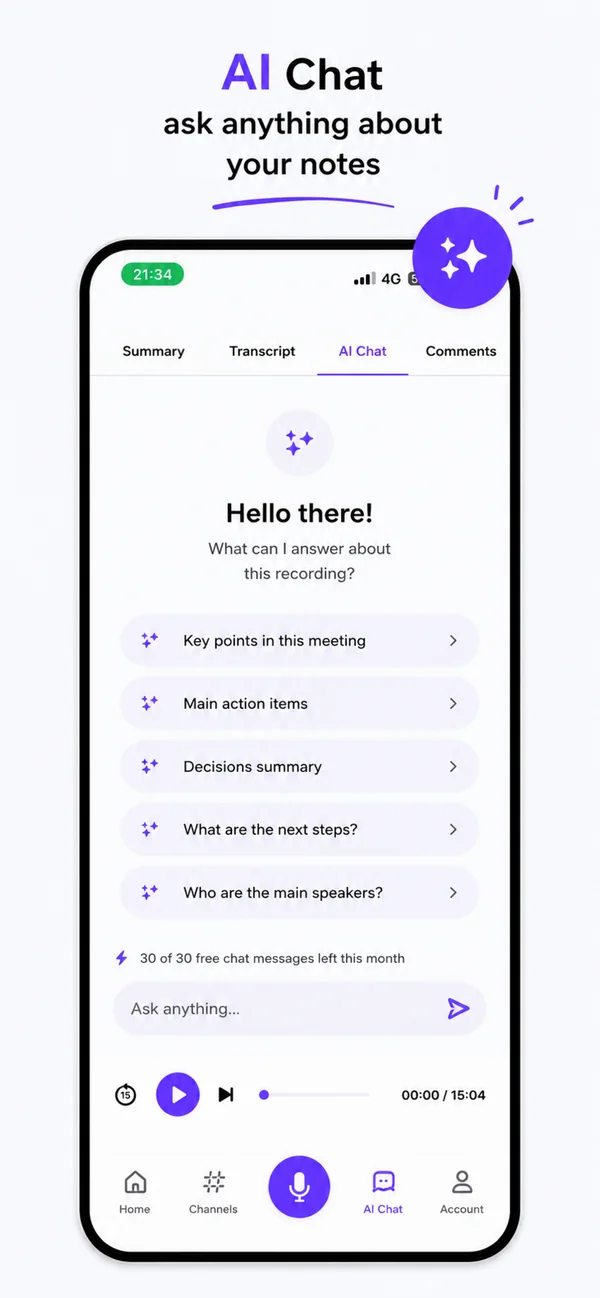
VibeNote AI Chat tab suggesting questions to ask about the recording
Ask AI Chat anything about your notes
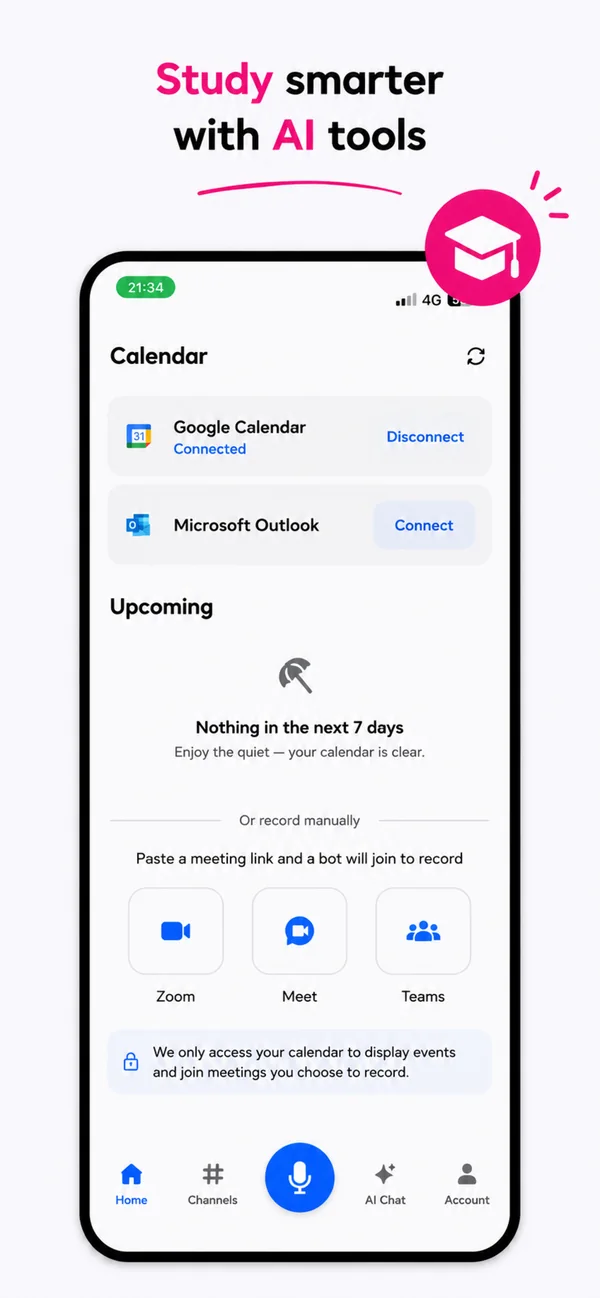
VibeNote calendar screen connected to Google Calendar with Zoom, Meet and Teams meeting bots
Calendar sync and meeting bots for Zoom, Meet & Teams
How it works

From the lecture hall to your study notes

Four taps from press-record to revision-ready notes.

Record or import

Hit the mic for a lecture, or import a PDF, Word doc, or PowerPoint deck. Pause and resume freely — perfect for lectures with Q&A breaks.

Watch the live transcript

Words appear as you speak, and the finished transcript is waiting the second you stop — no post-recording wait.

Read the summary

Editorial-style summary with key points, quotes, and insights — auto-generated in seconds.

Study and chat

Generate flashcards, run quizzes, or ask AI Chat anything about every lecture you've ever recorded.

The note-taker that respects your privacy

Free forever on-device recording, plus document import and AI summaries on the free plan. Premium adds unlimited AI Chat, cloud accuracy, translation, and study tools.

Download on the App Store → Get it on Google Play